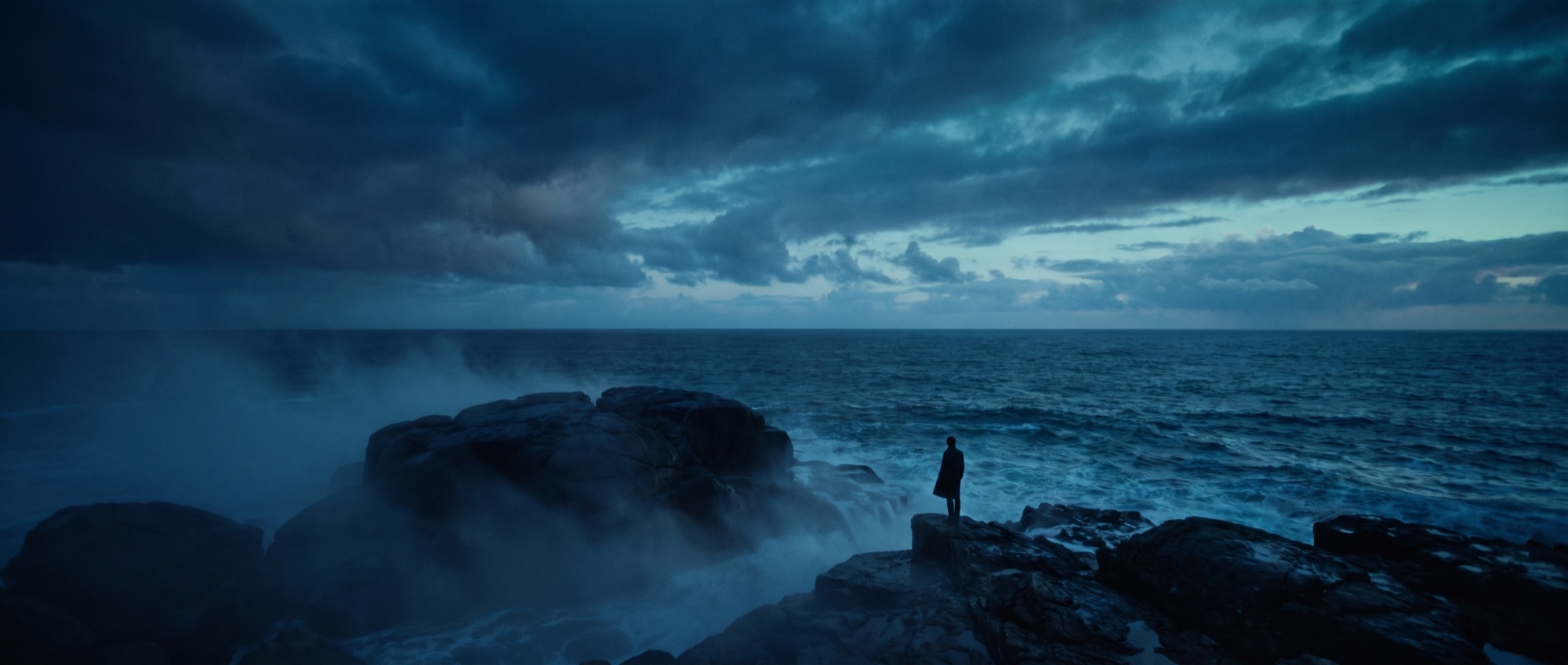
Documentary and unscripted pre‑production that feels like magic.
Drop in the outline, treatment, or 1 a.m. pile of notes you already have. Get a plan you can actually shoot, shot by shot, in minutes instead of weeks.
Private beta · first productions onboarding now
Watch it turn a real mess into storyboards, a schedule, and a pre-pro book.
Everything you’ve already written down, in one place.
A handwritten note, your typed-up outlines, a voice memo. However messy, wherever you keep it.
5am, fog on the water
dad’s last board ♥
the DROP = set wave!!
ask Sully → ski footage
EXT. THE POINT - DAY
· paddle out
· the drop ← climax
· dusk, paddle in
~ cut contest backstory ~
before a big swell - USE
boat to the outer reef, grey + cold
cliff: Mara watching the set
cut the contest backstory, too slow
harbormaster = Sully? Solly?
Hit Watch it happen ↑
Live, pre-baked demo. Files in, characters in, storyboards out. In minutes.
Fieldnotes is the AI development partner for documentary filmmakers.
Start with the treatment you already have, and in minutes get a production-ready plan complete with sequences, shot lists, schedules, interview prep, and field notes. No scripts. No formatting. Just a better way to get from idea to shoot.
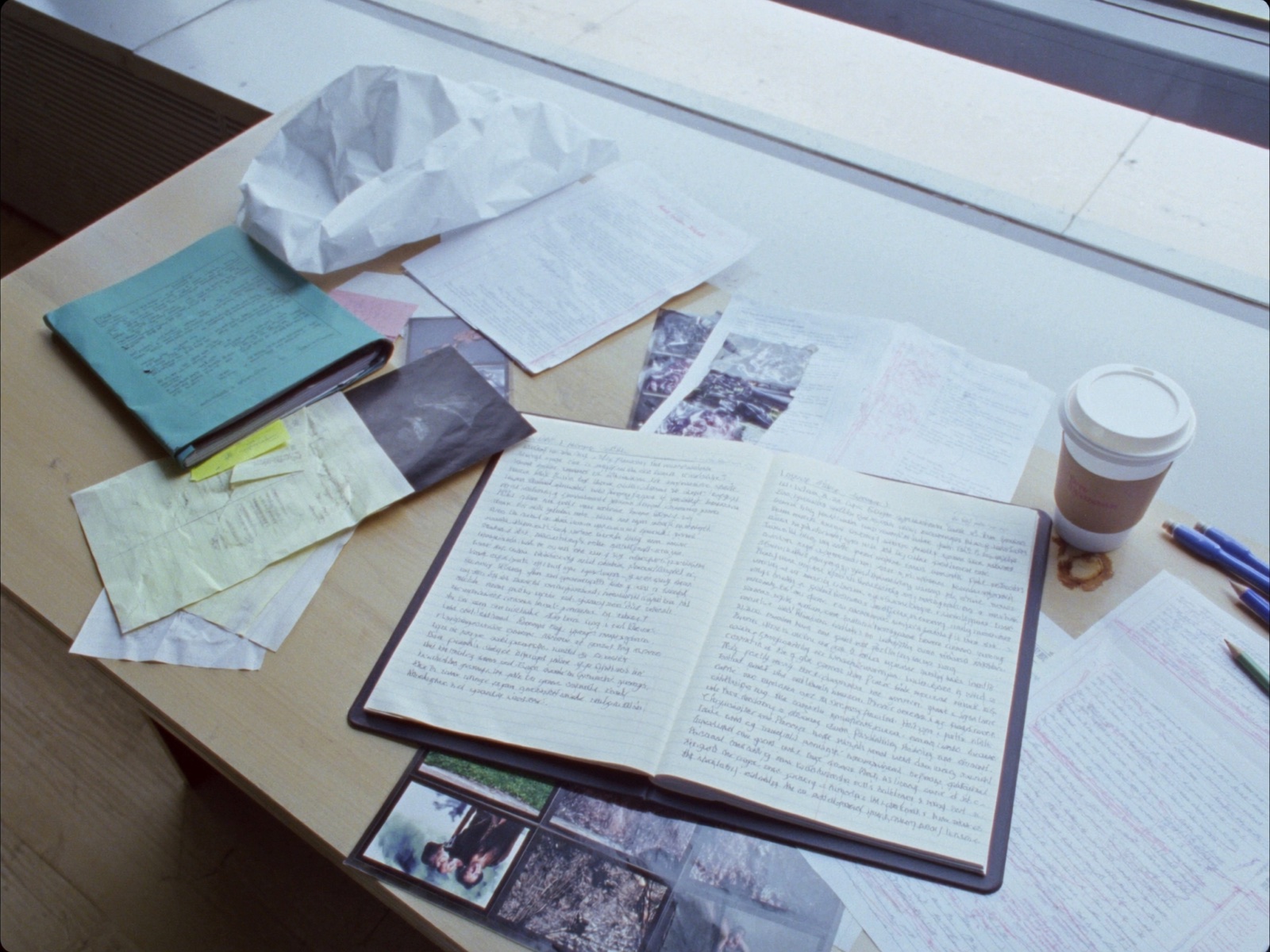
Documentary prep is fragmented and chaotic. At least it used to be.
Documentary and unscripted work begins as a treatment, a sequence list, an email to yourself at 1am. The story isn’t locked. That’s the whole point.
So tools built around a numbered script make you do the worst part first: transcribe your messy thinking into a rigid format before you get a single thing back.
Fieldnotes starts where you actually are. Drop in the rough doc, and walk into the field with a real plan. Shot list, schedule, the works, so you're not just pointing a camera and hoping.
Start from the mess you already have.
Drop in everything you’ve already got. Outlines, treatments, a Word doc, a PDF, photos of handwritten notes, voice memos. Fieldnotes reads whatever you keep your notes in and figures out what it’s looking at.
- Any format in
- Handwritten notes too
- Nothing to set up
Bring your outline
SWELL - rough sequence list (v2, check w/ Mara)
cold open: Kai waxing the board. 5am, fog on the water
INT. SHAPING BAY - PRE-DAWN - the board Kai's dad shaped
~ sticky: "never sleeps before a big swell" USE THIS
paddle out at first light. boat to the outer reef...
Your mess becomes one clean outline.
Fieldnotes shapes everything you dropped in into a single outline. Title, logline, sequences, beats. The document the whole production builds from. Then it pitches you ideas: missing scenes, story gaps, questions to answer before the shoot.
- One standard document
- AI story suggestions
- Edit every beat
- Kai waxes the board at 5am, fog flat on the water
- Macro: water beading on the rail
- Shaping bay interview - the board his dad built
Film Kai shaping a new board, intercut with his father's last one.
Add to outline →Do you have the wipeout angle - or ask Sully for the ski footage?
Mara only appears at the climax - give her a beat earlier so the ending lands.
Your real subjects, in every frame.
Making a film about a person? Upload a photo of your main character and any supporting characters. Fieldnotes builds a likeness so the same faces show up in the storyboards, frame after frame.
- Lead + supporting characters
- 3-8 photos for the lead
- Consistent likeness
Your characters
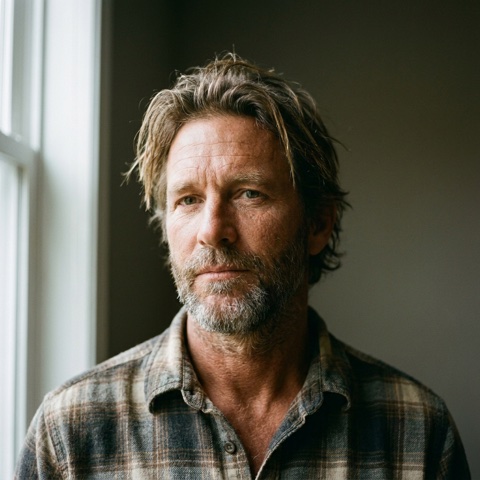
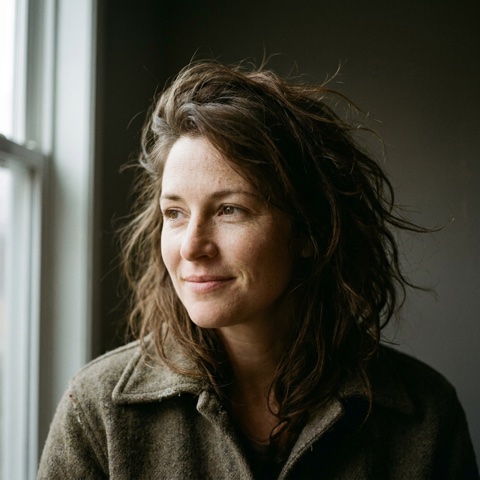
Lead characters: add 3-8 photos for the most consistent likeness across frames.
You confirm what it understood.
Fieldnotes drafts, you stay in control. It pulls out your locations, characters, and sequences, and flags anything it’s unsure about so you can fix it in seconds. Nothing paid runs until you say go.
- Edit inline
- Uncertain items flagged
- Zero cost before you confirm
5 sequences
Add a photo and your characters appear in every frame.
No image cost until you confirm
Real coverage, drawn shot by shot.
Fieldnotes plans each scene like a director. Masters, coverage, inserts. Then it renders every frame with your actual characters in it. Sketch first, finalize the ones you love, and tweak any frame in plain English.
- Coverage planned like a DP
- Your characters in every frame
- Adjust with a sentence
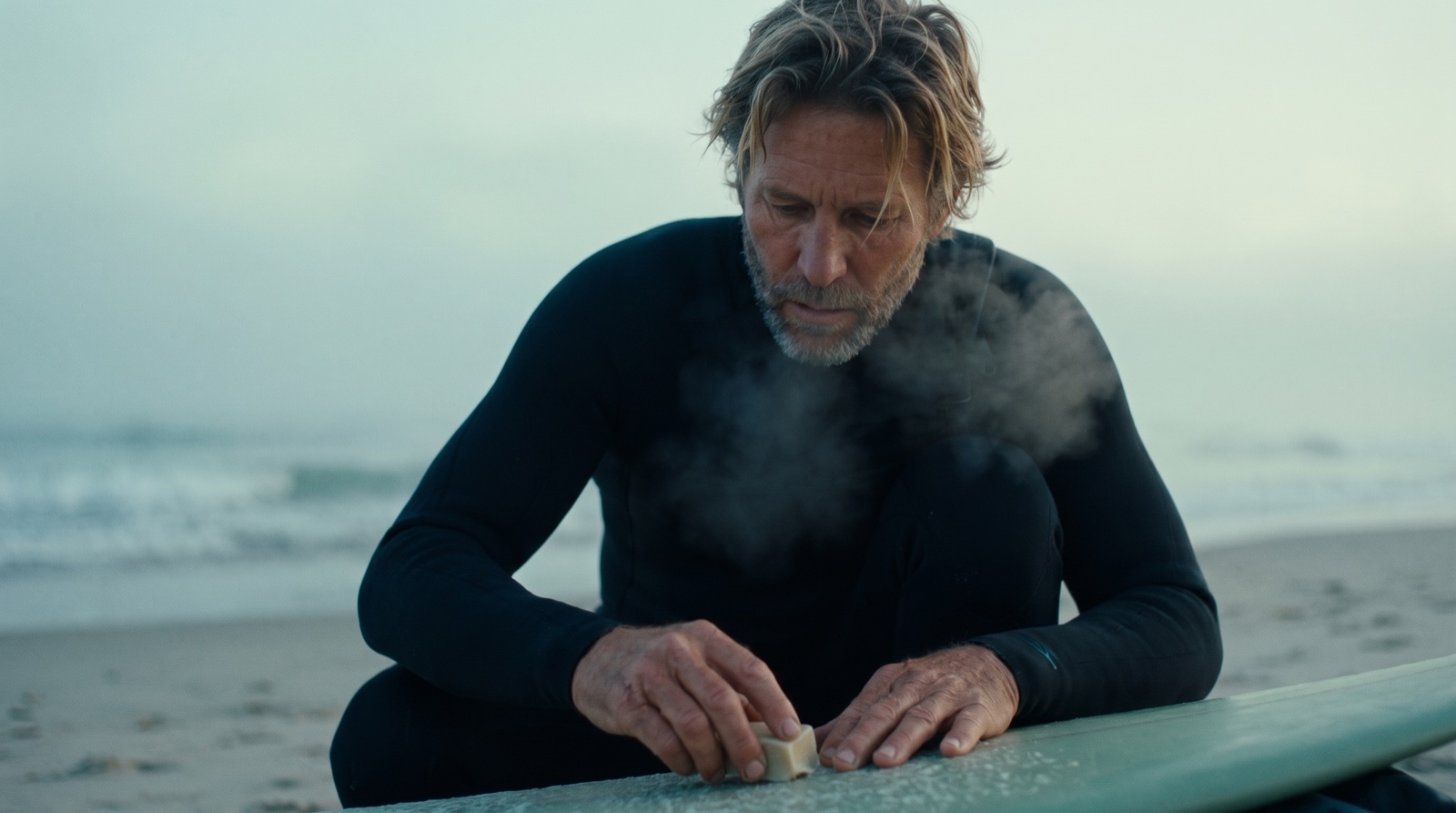 1A↺✎
1A↺✎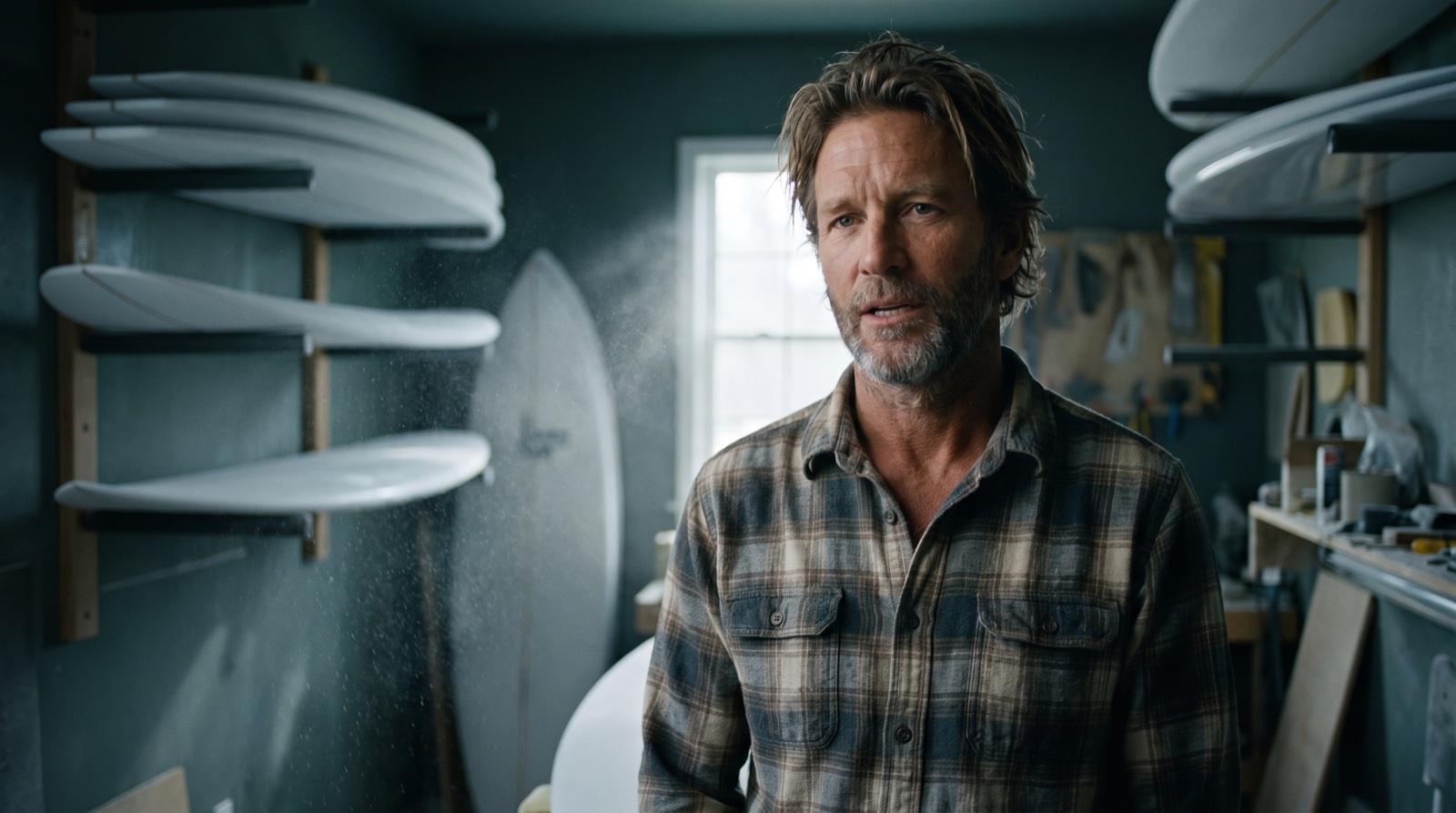 1B↺✎
1B↺✎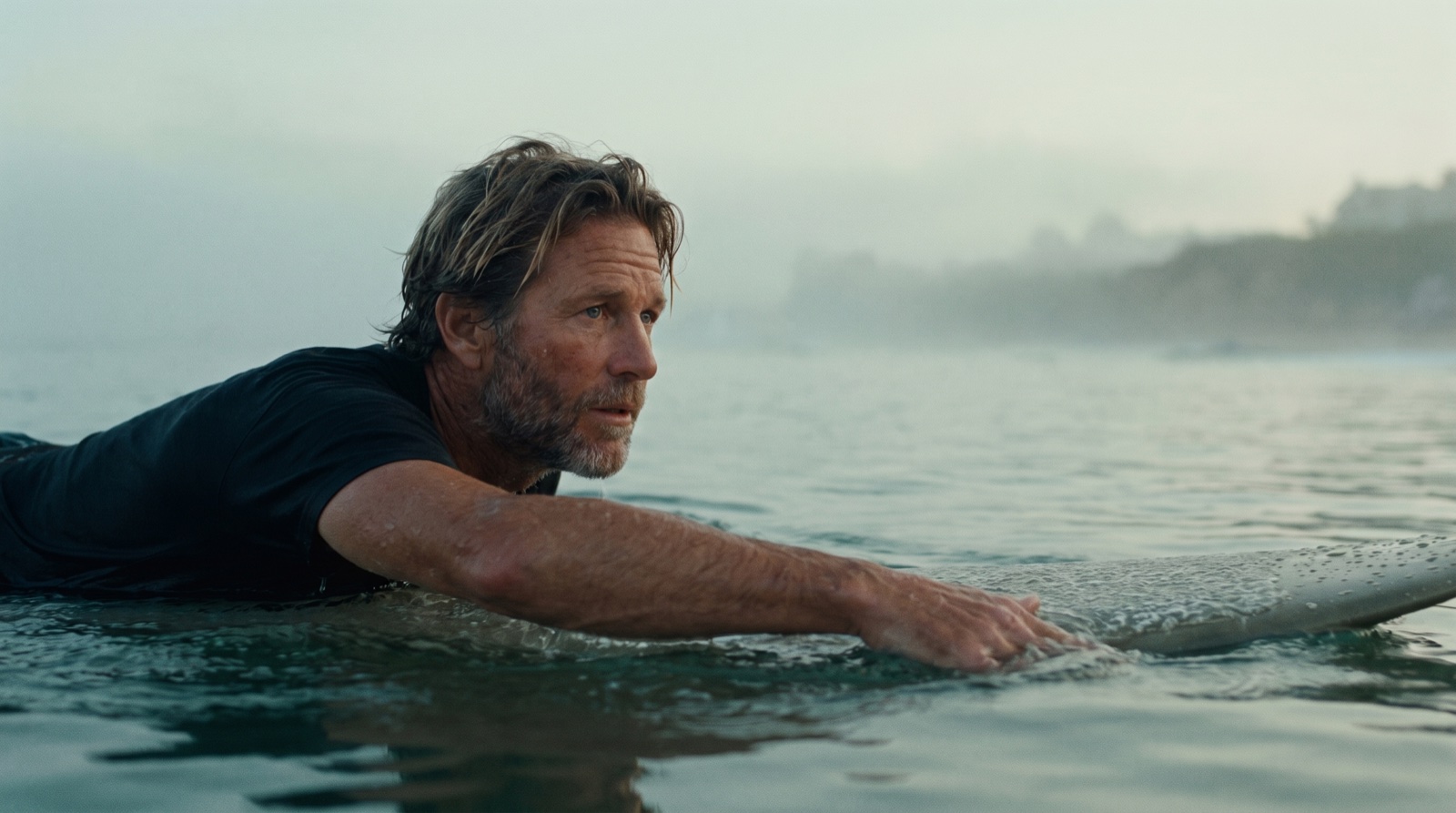 4C↺✎
4C↺✎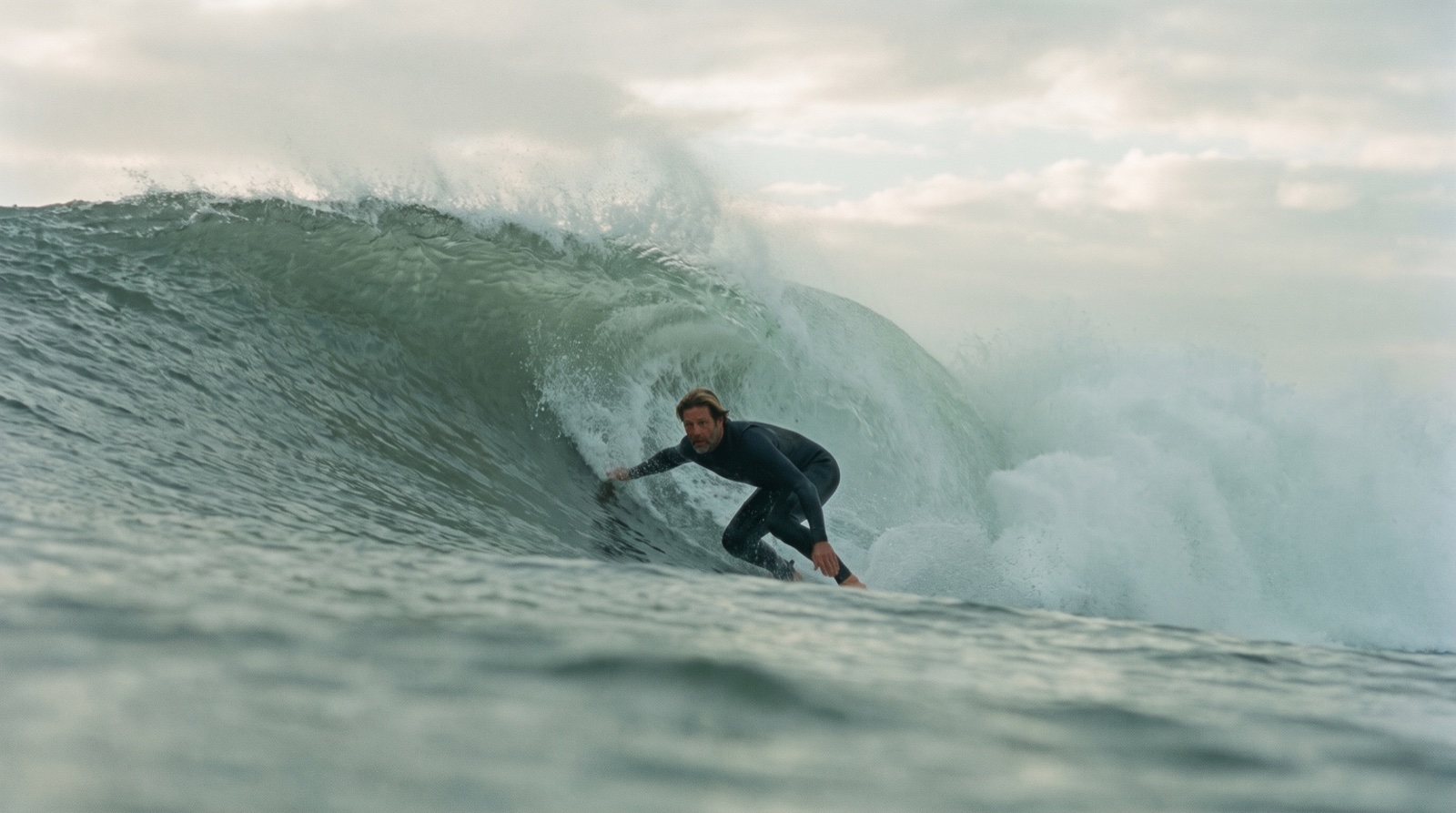 7A↺✎
7A↺✎Your boards become a stripboard.
Scenes land on color-coded strips, sorted into shoot days by location and light. Dawn scenes at dawn. Drag strips between days, drop in lunch and company moves, and park what you're not shooting in the boneyard.
- Sorted by location & light
- Drag strips between days
- Lunch, moves & the boneyard
One beautiful link. The whole shoot.
Everything above becomes the pre-pro book. Outline, characters, storyboards, the stripboard, crew contacts, plus the weather, the nearest ER, and where the crew eats. Send one link, or save the PDF. It's the whole shoot in one place.
- Outline → schedule, one page
- Weather, safety & area guide
- Share link or PDF
 Characters & crew, contacts includedThe area guide →
Go into the field with a plan.
Walk on set with a plan you can actually execute: the shots, the days, the locations, all locked in. So when a moment you could never have planned for happens, you have the room to capture it, and your whole crew already knows exactly what you set out to make.
A plan you can execute
Every shot, day, and location locked in before you roll. No guesswork on the ground.
Room for the unplanned
Prep is handled, so you have the headspace to chase the moments you could never have scripted.
Your whole crew, aligned
One shared plan your team can open, so everyone knows exactly what you set out to make.
A whole film, shot by shot.
Every frame is editable, re-promptable, and reorderable, generated from the messy outline up top. Hover a frame.
 9D1A1B4C7A
Prep a shoot in hours, not weeks.
One upload becomes a storyboard, a shooting schedule, and a pre-pro book your whole crew can open. All from the same parse, kept in sync, so a fix in one place lands everywhere.
Storyboards
Available nowCinematic frames per sequence, with your characters in every one. Editable and exportable.
Schedule stripboard
Available nowThose boards, broken into shoot days you can reorder by dragging. Built from the same sequences.
Pre-pro book
Available nowStoryboards, schedule, characters, crew, and the area guide, all in one shareable book your crew can open.
Made for people who actually make things.
I had a treatment and a panic attack. Twenty minutes later I had frames I could actually show a network.
 Dana R.Series producer · Unscripted, in development
It read my chaos better than my last AP did. The part where it flags what it’s unsure about is what sold me.
 Marcus L.Documentary director · Feature doc
Storyboards used to be the thing I skipped because there was never time. Now there is.
 Priya S.Field producer · Travel series
Questions, answered.
What can I upload?+
Everything you’ve already got. A treatment, an outline, a sequence list, a .docx, a PDF, photos of handwritten notes, voice memos, even the films you want yours to feel like. There’s nothing to format first.
Do I need a screenplay or script?+
Nope, that’s the entire point. Fieldnotes is built for the rough planning docs documentary and unscripted filmmakers actually work from.
What comes out the other side?+
A standardized outline, a full breakdown, storyboards planned like a DP and rendered with your actual characters in them, a color-coded shooting schedule, and a shareable pre-pro book with the weather, the nearest ER, and where the crew eats.
How accurate is the parse?+
It produces a first draft, then you confirm it. The review screen highlights anything it’s unsure about so you can correct it in seconds before anything else is generated.
Is my material private?+
Your documents are yours. They’re used only to generate your project’s outputs, not to train models, and you can delete a project at any time.
Can I share the pre-pro book with my crew?+
Yes. Every project builds into one beautifully designed page you can send as a link or save as a PDF. Toggle chapters on or off, add crew contacts, and the whole team sees the same thing.
How much does it cost?+
Start free with one production. Indie is $39/mo for independent producers and directors, Pro is $99/mo for the busiest independents, and Studio is $299/mo for production companies running a slate. Full details on the pricing page.
Simplified pre-production, so you can spend more time making the thing.
Bring the mess you’ve already got, and Fieldnotes drafts your storyboards and a shooting schedule. The story’s yours, the busywork’s ours.